
AI baby generator app for parents-to-be
Meet your future baby in the FaceCast app
Pick one photo of you and one of your partner. FaceCast puts your two faces together into a future baby, shown once as a boy and once as a girl, on iPhone and Android.
- Free download
- iPhone & Android



How the AI baby generator works
Three steps, all inside the app. This page shows examples; your own baby picture is made in FaceCast.
Get the app
Download FaceCast from the App Store for iPhone and iPad (iOS 16 or later) or from Google Play on Android.
Choose two photos
One clear, front-facing photo of each parent, taken in good light with nothing covering the face.
Meet your baby
FaceCast shows a boy version and a girl version. Save the ones you like or drop them in the family group chat.
Two American couples, two future babies
Mom and Dad, the baby they might have, and the same child a few years down the road.

Mom

Dad

Their baby

Growing up

Mom

Dad
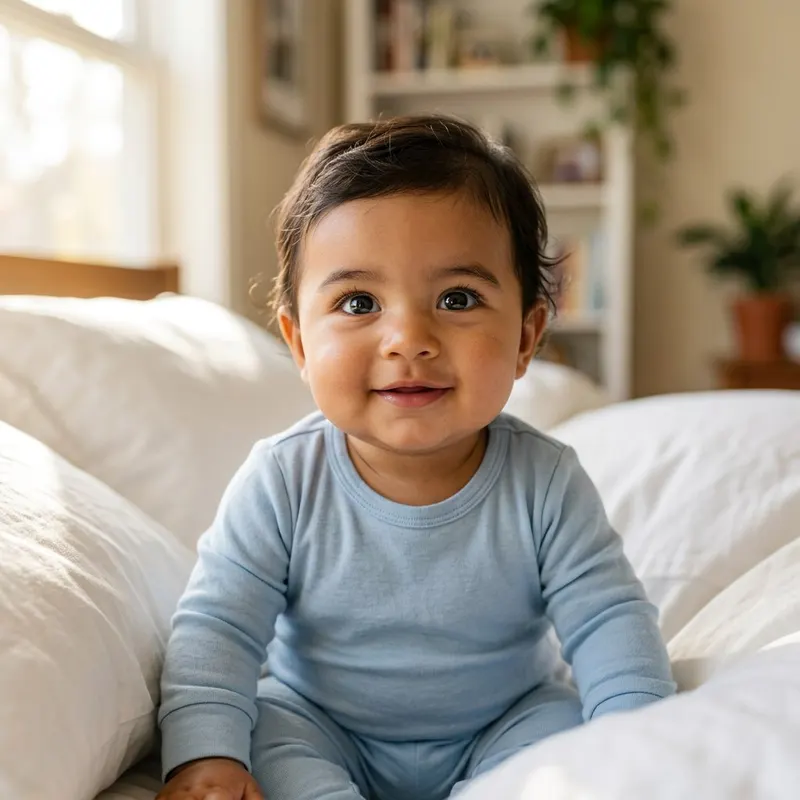
Their baby

Growing up
These are sample families, and every person shown is AI-generated.
What an AI baby generator can and can't tell you
An AI baby generator takes a portrait of each parent and draws a new face that borrows from both of them: the shape of the eyes, the line of the nose, the mouth, the skin tone and the hair. FaceCast gives you that face twice, once as a son and once as a daughter. What comes back is a picture, not a forecast. No app can know what your child will really look like, and none can read from a selfie which genes a baby will end up with.
That matters most for the question people type into Google more than any other, which is whether the baby will look more like me or more like the father. Real inheritance is a shuffle. Two kids with the same parents can look like they belong to different families, plenty of babies are born with blue or gray eyes that darken during the first year, and hair often changes color or texture before kindergarten. So treat the result the way you would treat a guess from your mother-in-law. It is fun to talk about, and you should expect to be surprised later.
Lots of couples in the United States come from two different backgrounds, like both sample families on this page, and they tend to be the most curious about the result. The conversation usually turns to whose curls the baby will get, or whether Grandpa's dimples will skip a generation. The picture can't settle any of that. What it does is give everyone the same face to react to, which is often the moment a pregnancy starts to feel real for the partner who isn't carrying. For a lot of dads-to-be, that first look at a possible face lands harder than any bump photo or due-date app ever did.
Parents here mostly use the image in small, private ways. Some keep it as a lock screen through the third trimester, some pass it around at the baby shower, and some hold it back until after the gender reveal so the boy and girl versions can be shown together. If you post it publicly, say that it's an AI picture. Older relatives may not be able to tell, and nobody wants a congratulations card for a baby who is really a rendering.
Six things you can make in FaceCast
The baby generator is the main event. The app also has a few tools for the months before and after the birth.
Future baby from two photos
One photo of each parent becomes a baby face, in a boy and a girl version, that you can save and compare side by side.
Ultrasound to baby photo
Add a 3D or 4D ultrasound image and FaceCast paints a lifelike newborn portrait from it. It's an artistic take on the scan, not a medical image.
Maternity photoshoot
Studio-style pregnancy portraits made from your own photo, for the bump pictures you never got around to booking.
Styles and filters
Restyle a photo with the one-tap 80s look, cartoon or anime styles and more. The 80s style keeps your face and swaps the hair, clothes and backdrop.
Family portrait
Place the future baby in a picture with the two of you, the way a family photo might look a year from now.
Photo enhancer
Sharpen a soft or dim photo and clean up the color while the face still looks like you.
See sample results by feature
Each page shows examples and explains what to expect. When you're ready, make yours in the app.
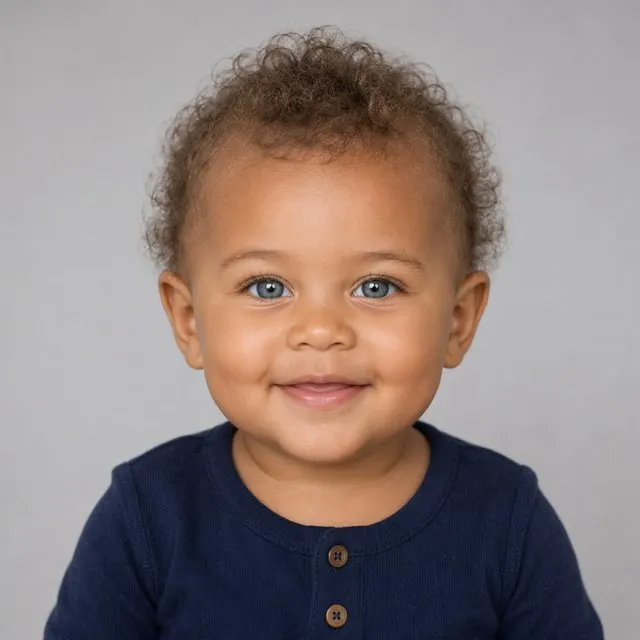
AI Baby Generator
Blend two photos into a realistic future-baby portrait.
See how it works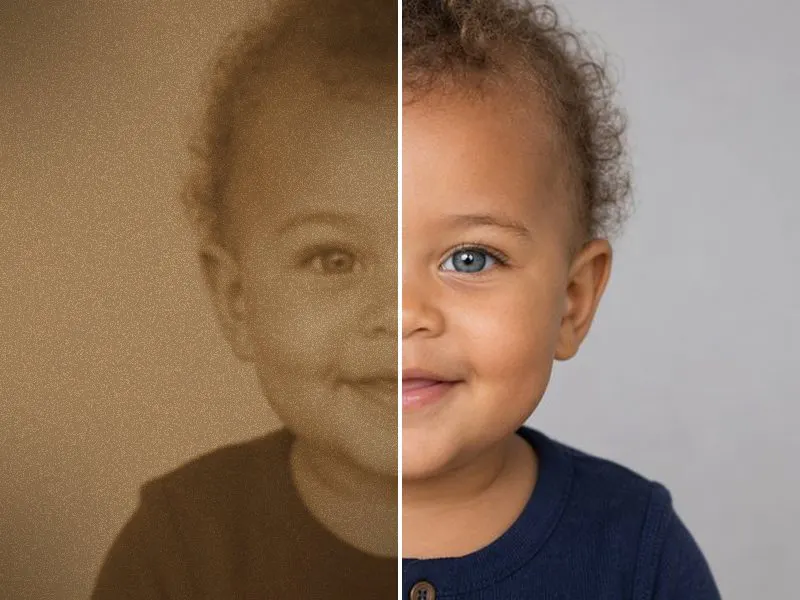
Ultrasound to Baby Photo
Upload a 3D or 4D scan — FaceCast turns the shapes it captured into a lifelike, studio-quality newborn portrait you can save, print, and share.
How It Works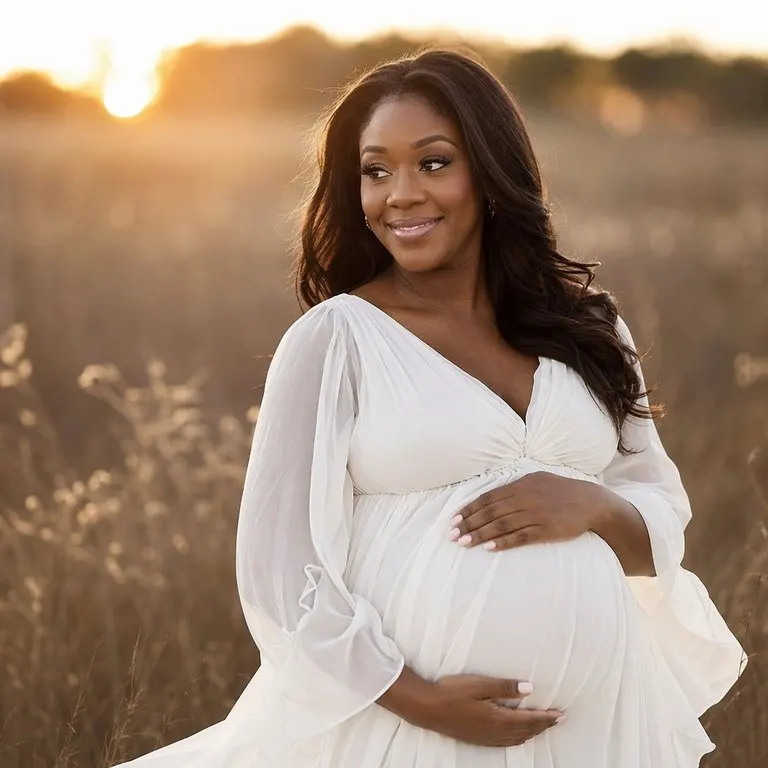
AI Maternity Photoshoot
Turn a simple photo into a studio-quality pregnancy photoshoot.
See how it works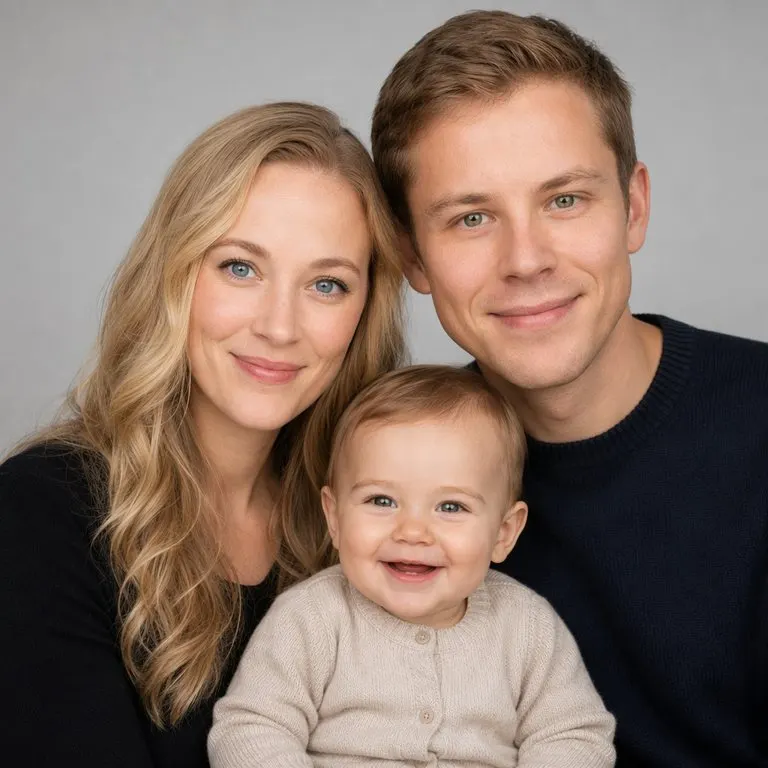
AI Family Portrait
Blend two parents into a portrait with your future baby.
See how it works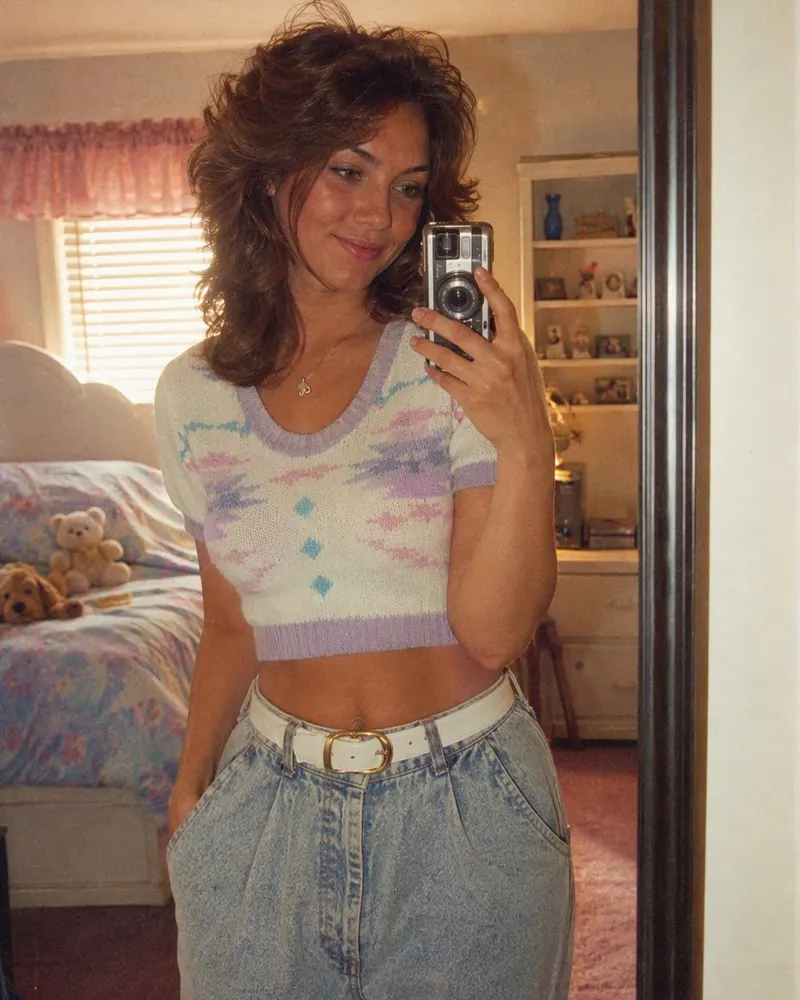
80s Photo App
What the 80s filter actually changes, how the app compares with a ChatGPT or Gemini prompt, and what American photos from the decade really looked like.
How It WorksNow pick a name to go with the face
The baby name finder on this site is free to use. Filter by boy, girl or unisex, by origin and by first letter, and read what each name means.
Open the baby name finderQuestions American parents ask
Will my baby look more like me or the father?+
The app can't know. FaceCast mixes features from both photos, and some versions will lean toward one parent. Real babies do the same thing unpredictably, and many change a lot in the first two years. Use the picture as a conversation starter, not an answer.
How does an AI baby generator work?+
You give it one portrait of each parent. The AI looks at the faces and generates a new baby face that combines traits from both, then shows it to you as a boy and as a girl. It is a generated image, so the same two photos can give slightly different babies each time.
How accurate is it?+
There is no way to measure accuracy until your baby is born and grows into their face. FaceCast is a visualization for fun. It doesn't use DNA or medical data, and it isn't a genetic prediction. Some parents later see a resemblance and some don't.
What kind of photos work best?+
A recent, sharp photo of each parent looking straight at the camera, in daylight or even indoor light. Skip sunglasses, heavy filters, hats that shade the eyes and group shots. Similar lighting in both photos helps the result look balanced.
Can it tell us if we're having a boy or a girl?+
No. It shows you both, a boy version and a girl version from the same two photos, so you can picture either. Your doctor, an ultrasound or a blood test is how you find out the baby's sex.
Can FaceCast turn our ultrasound into a baby picture?+
Yes. Add a 3D or 4D scan image in the app and it creates a lifelike newborn portrait based on it. The portrait is an artistic interpretation that guesses at details the scan doesn't show, so it won't replace the scan itself.
Is the AI baby generator free?+
FaceCast is free to download. Some features need an in-app purchase or a subscription, and new users get a free trial. The app shows you the price before you confirm anything.
What happens to the photos we use?+
Your photos are processed only to create your result, and that can involve our AI service providers. They are not sold or used for advertising. The privacy policy has the details.
Is there a web version, or is it iPhone and Android only?+
It's an app. FaceCast runs on iPhone and iPad with iOS 16 or later and on Android through Google Play. There is no web version: this site shows sample results and explains the features, and you create your own pictures in the app.
See whose nose the baby gets
Download FaceCast on iPhone or Android, pick a photo of each of you, and meet both versions of your future baby.